|
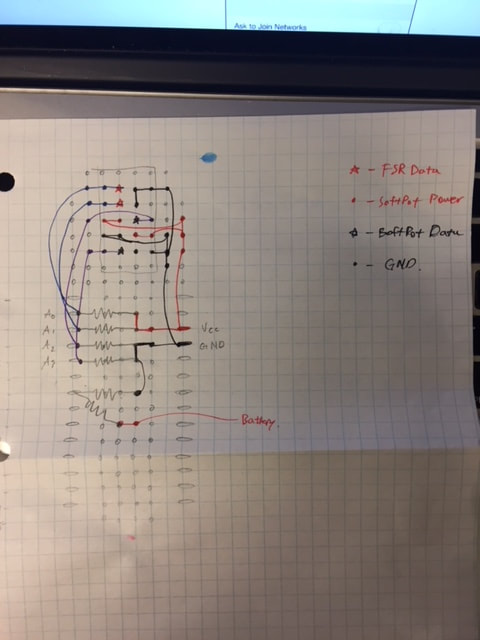
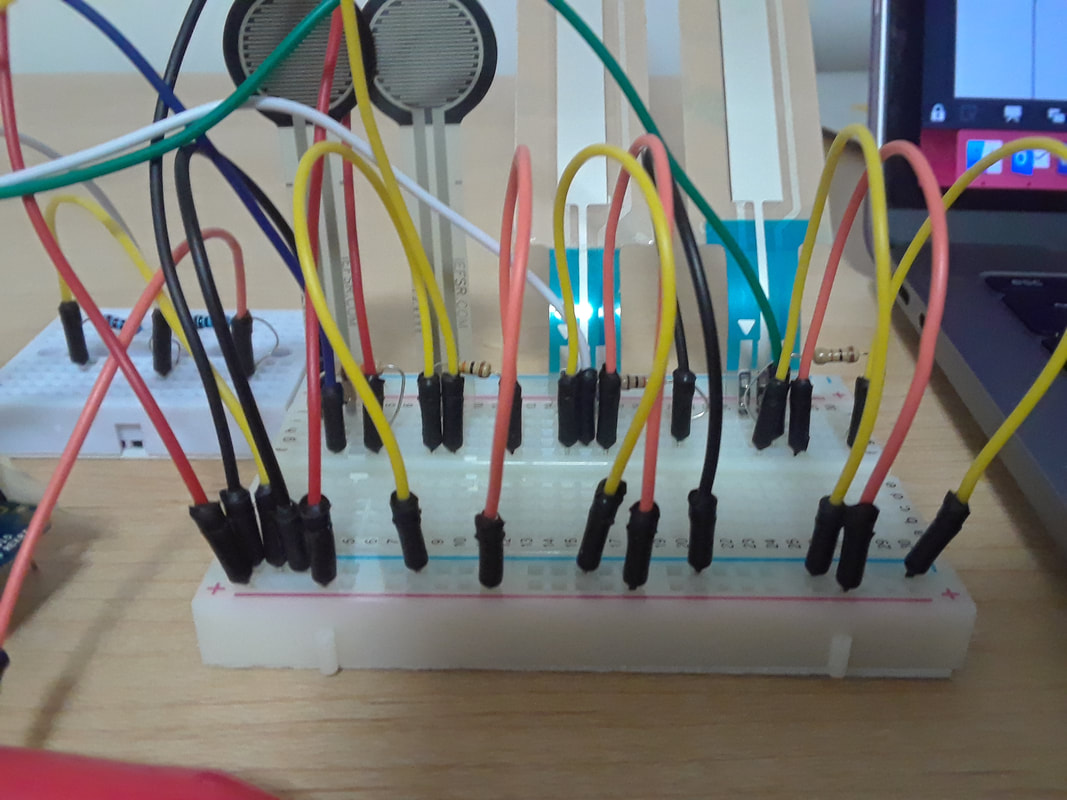
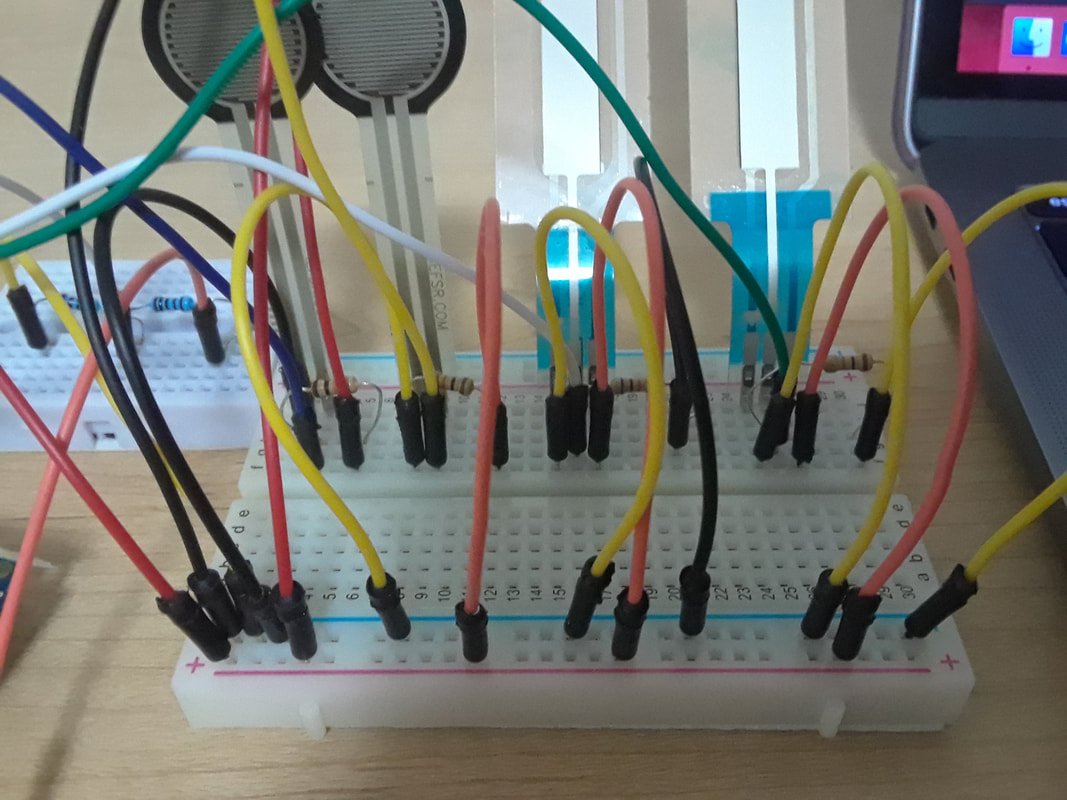
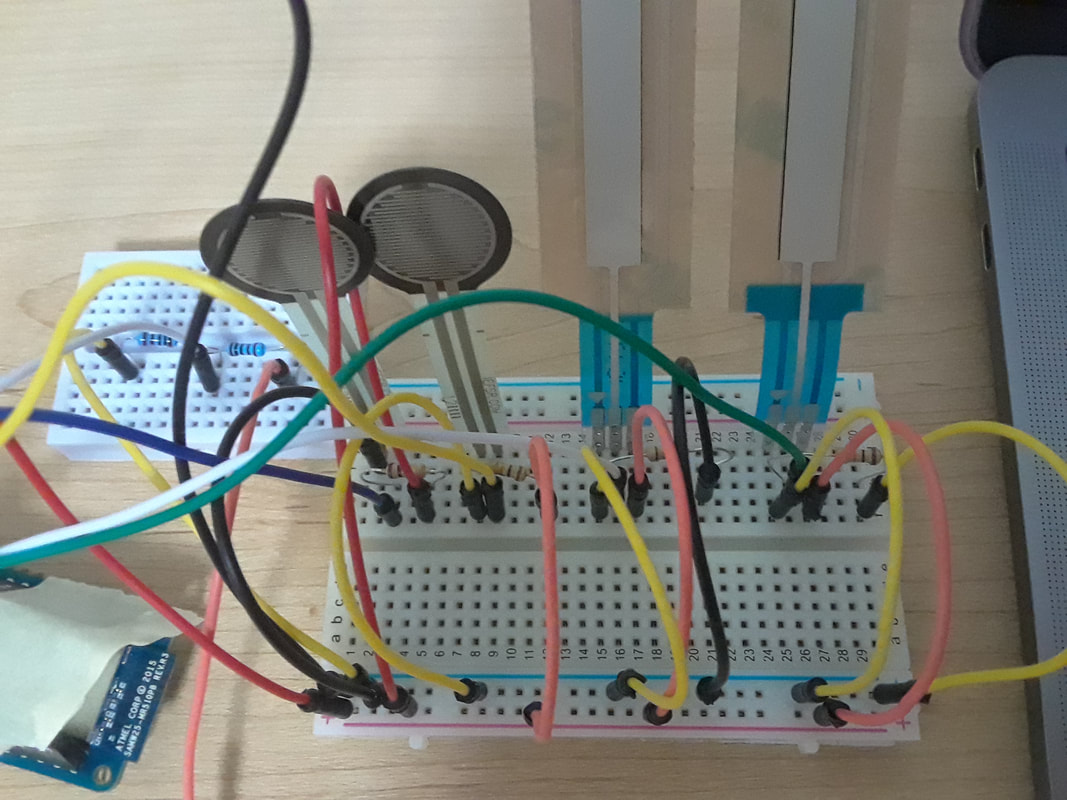
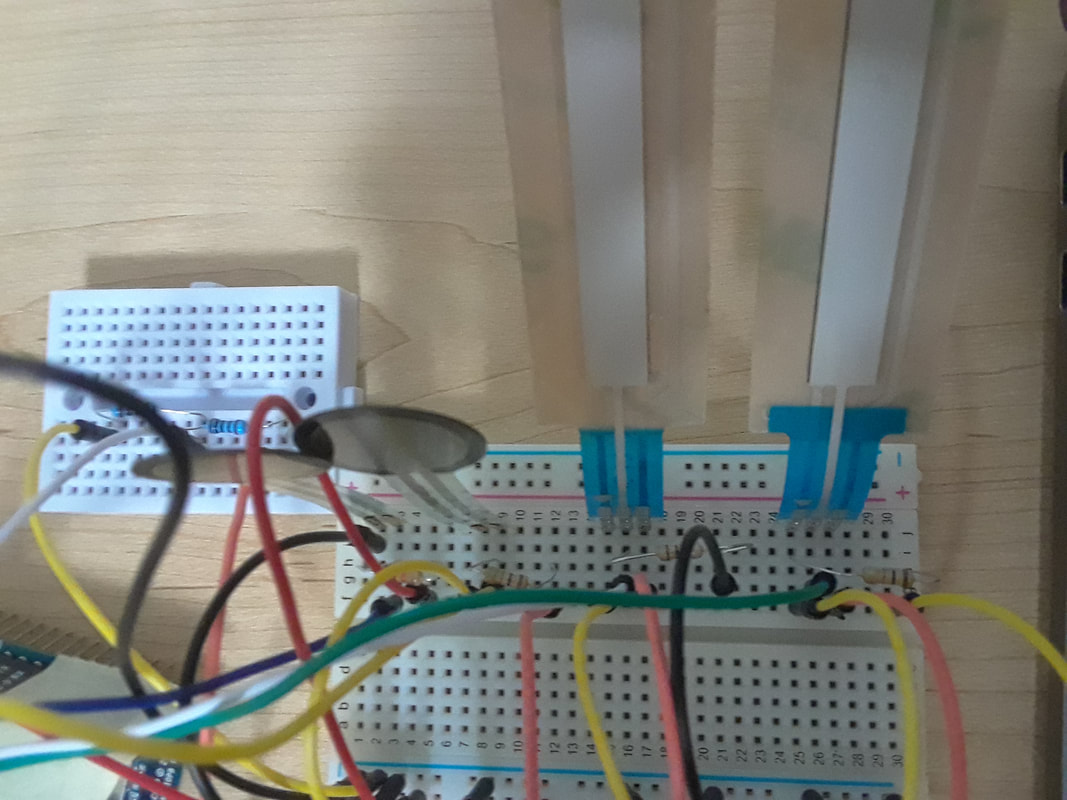
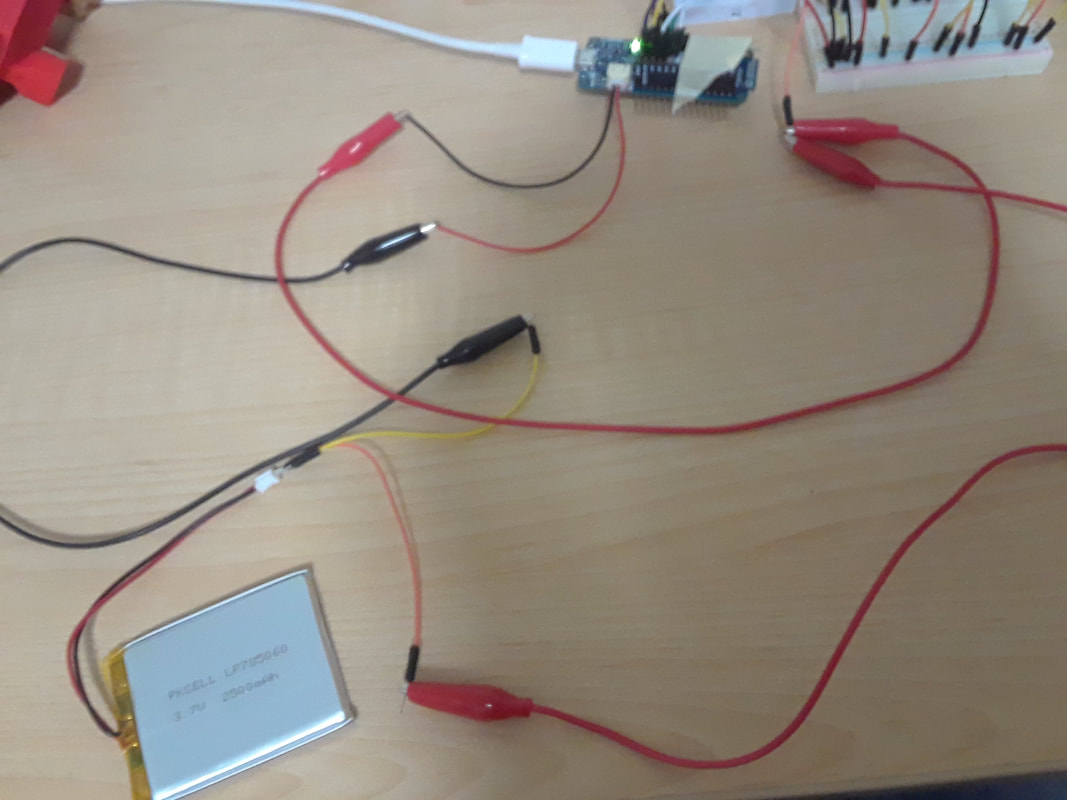
I found out that I had two problems. One was that approximately half of my long breadboard is not working properly, so I had to squish my sensors onto a smaller breadboard that I am borrowing. My other problem was that if the headers on my arduino are perfectly straight, then they are actually not touching the connections on the board. I don't want to solder them down because that would create problems when I want to eventually attach the shield later on. So I used taped to pull them together and so the headers are leaning into the connections on the board. (I can hear the engineers grumbling at my outside of the box solution...) Anyways... I've been slowly collecting all the parts I expect to need in order to start my TRAVIS II research. Before I get going on that I thought I should re-create my TRAVIS I setup to test out the softpots. Recap on why:
0 Comments
Since coming to U of Calgary I finally have access to a 3D printer! So I tried printing the MKR1000 case in black. I messed up on the lid because the raft refuses to be totally picked off. I'll try re-printing it eventually. For now my multi-coloured look is a fashion statement. 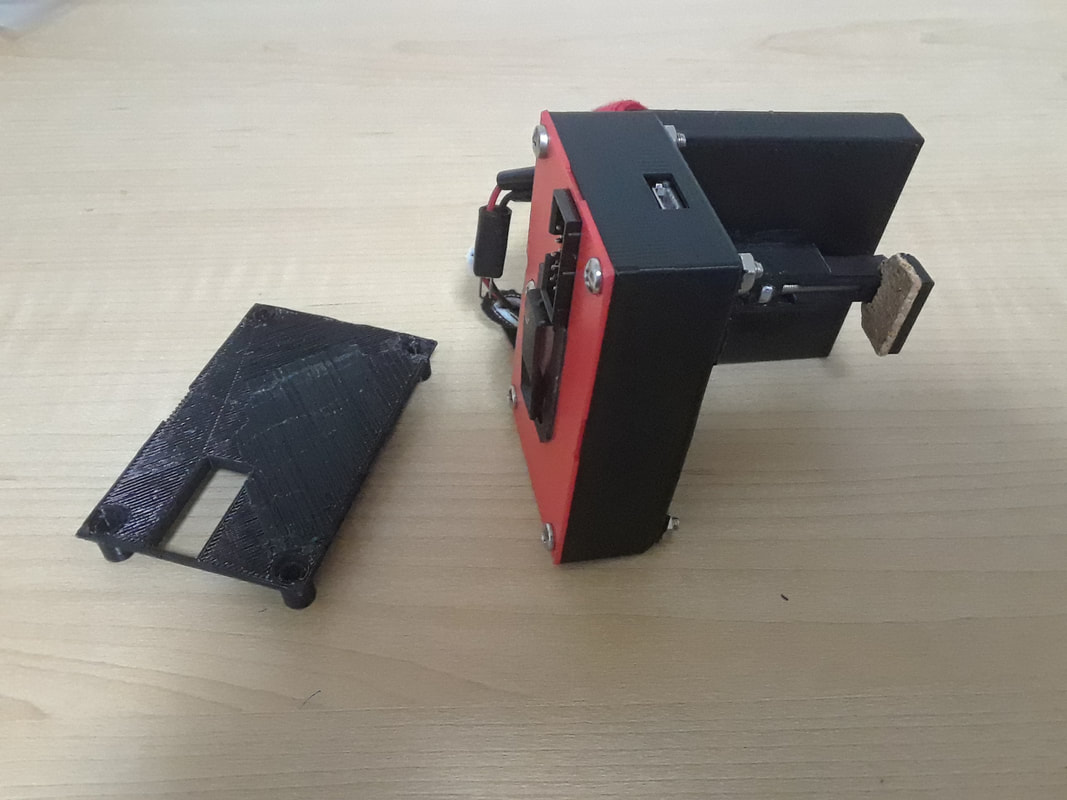
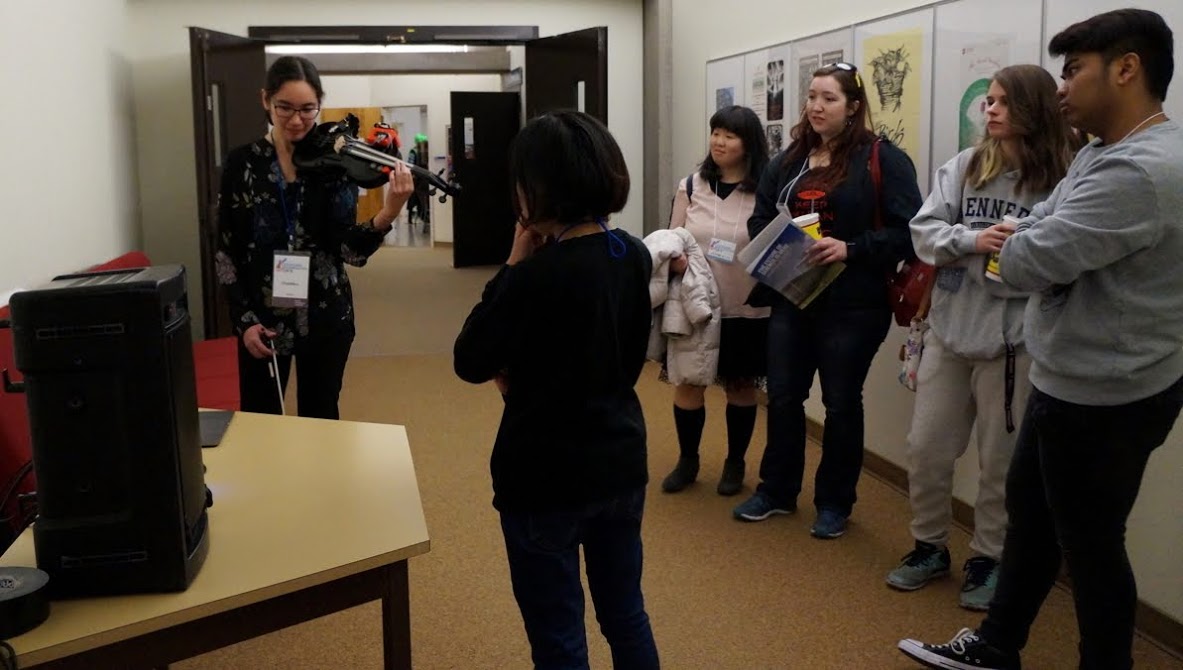
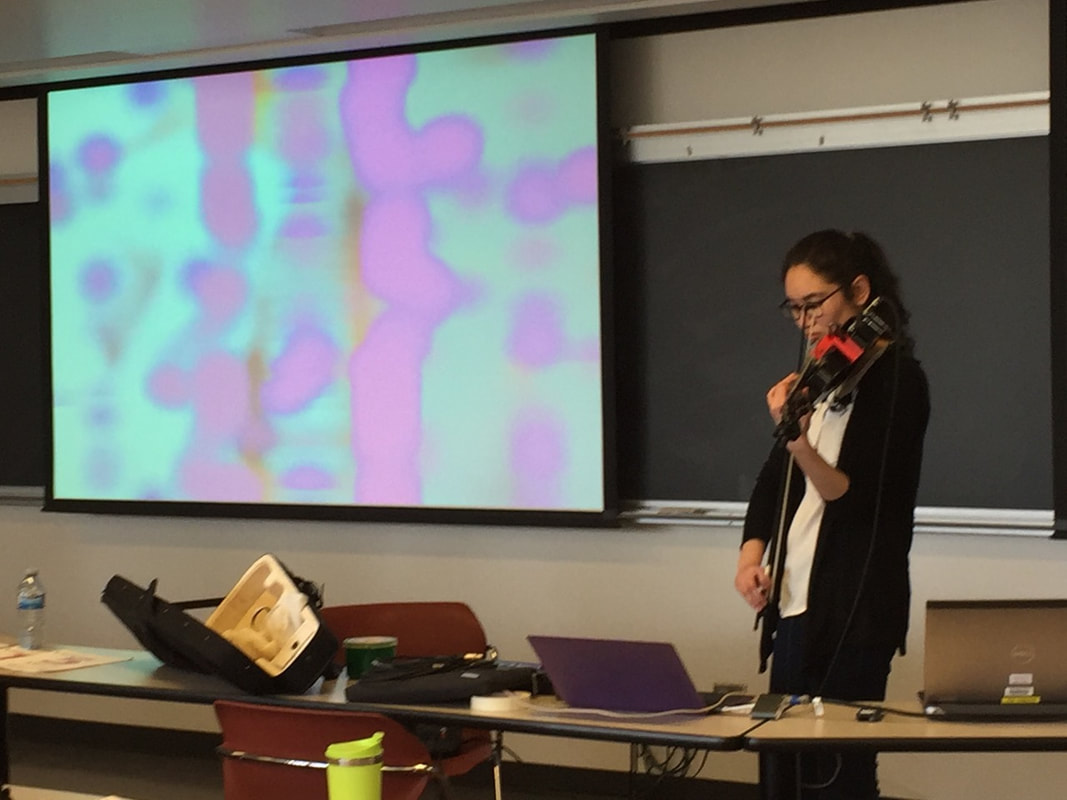
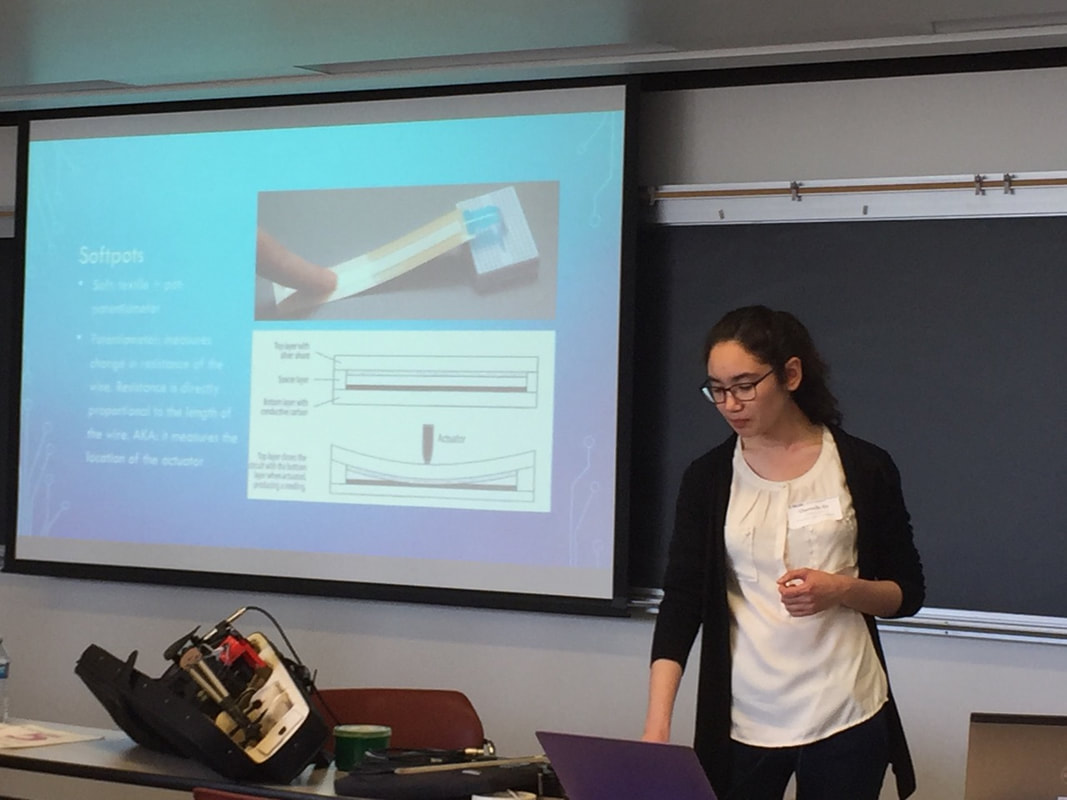
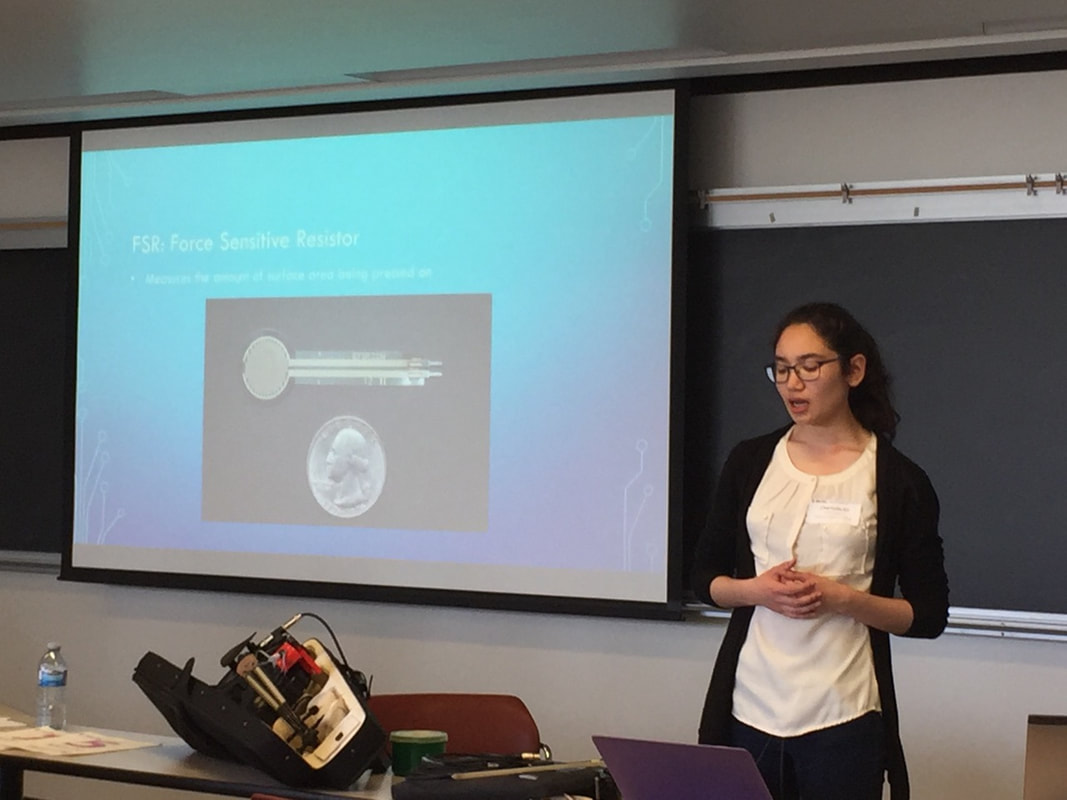
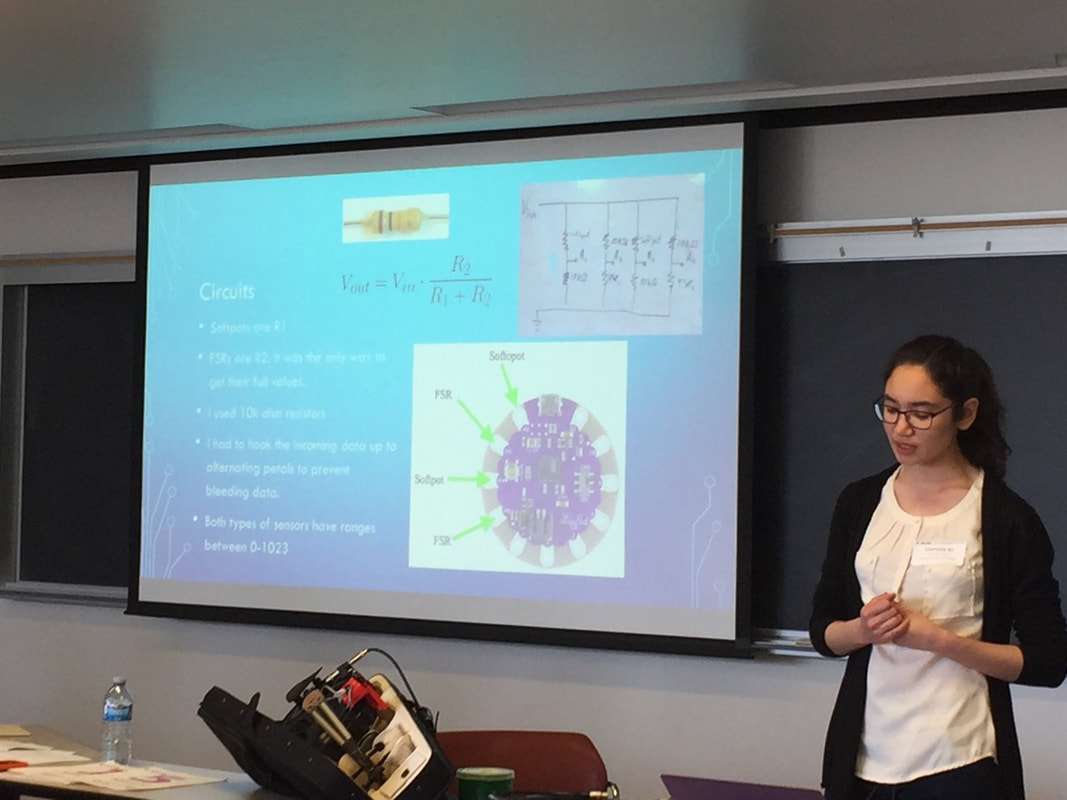
Poster presentation at IAST. It was so awesome to talk with so many amazing people who speak my nerdy language!

4 photos in album
The full version of Fire and Ice with Ollie and Elizabeth's live interactions have been posted!
More summer fun! I have finalized mapping fingerings from the whole tone scales to MIDI values. I can use these points on the fingerboard to trigger anything, and not just MIDI notes. Now I just need to practice the whole tone scale. If only it was a requirement back when I was doing RCM exams...
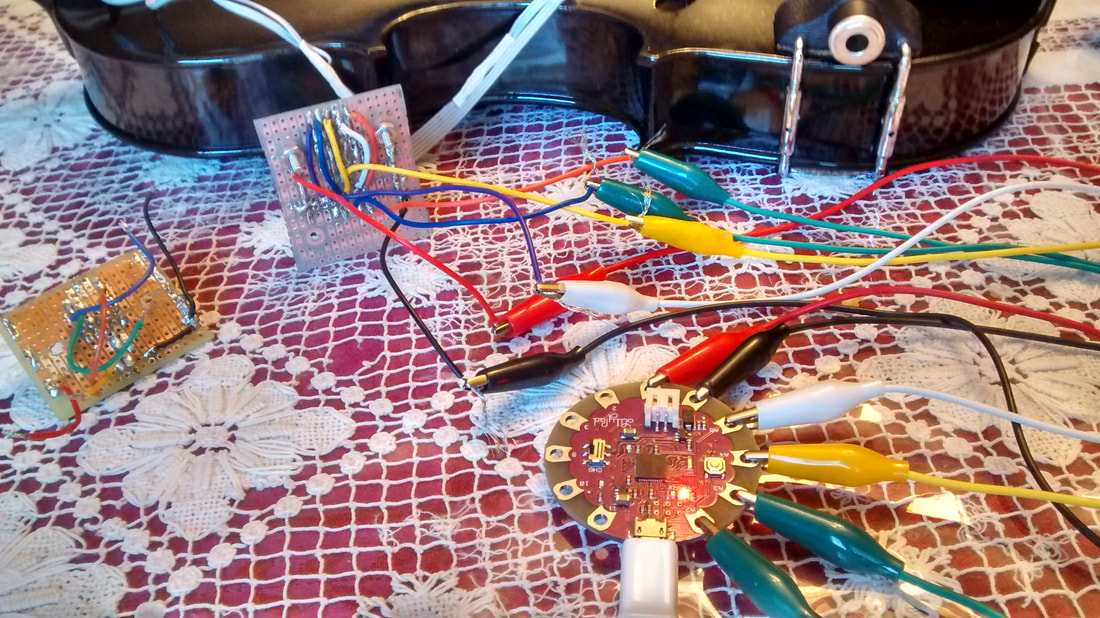
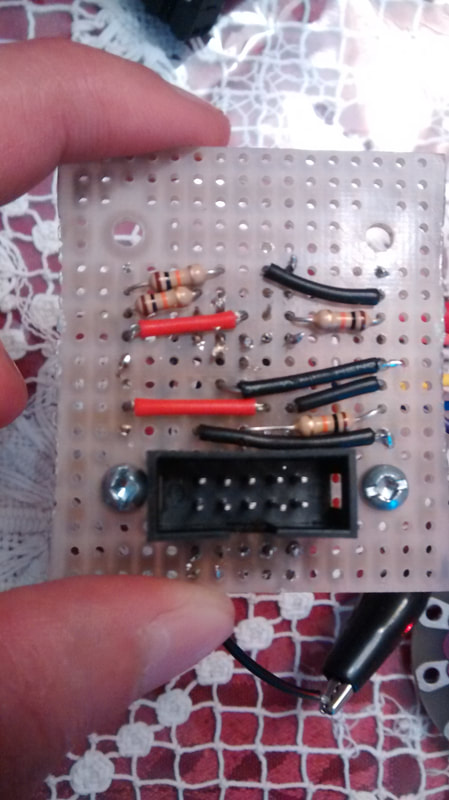
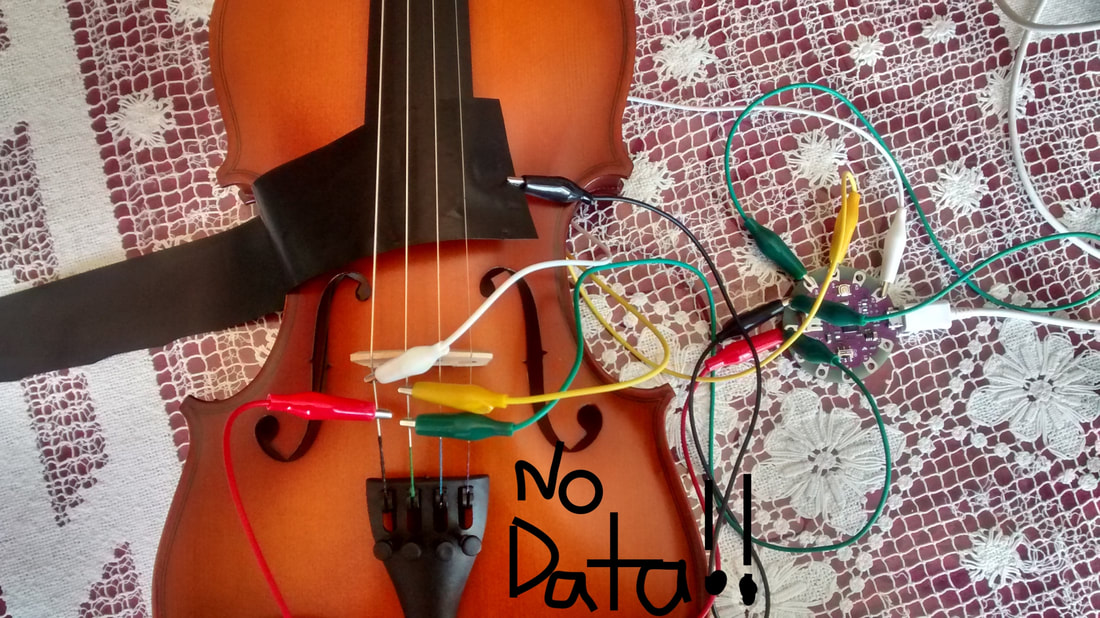
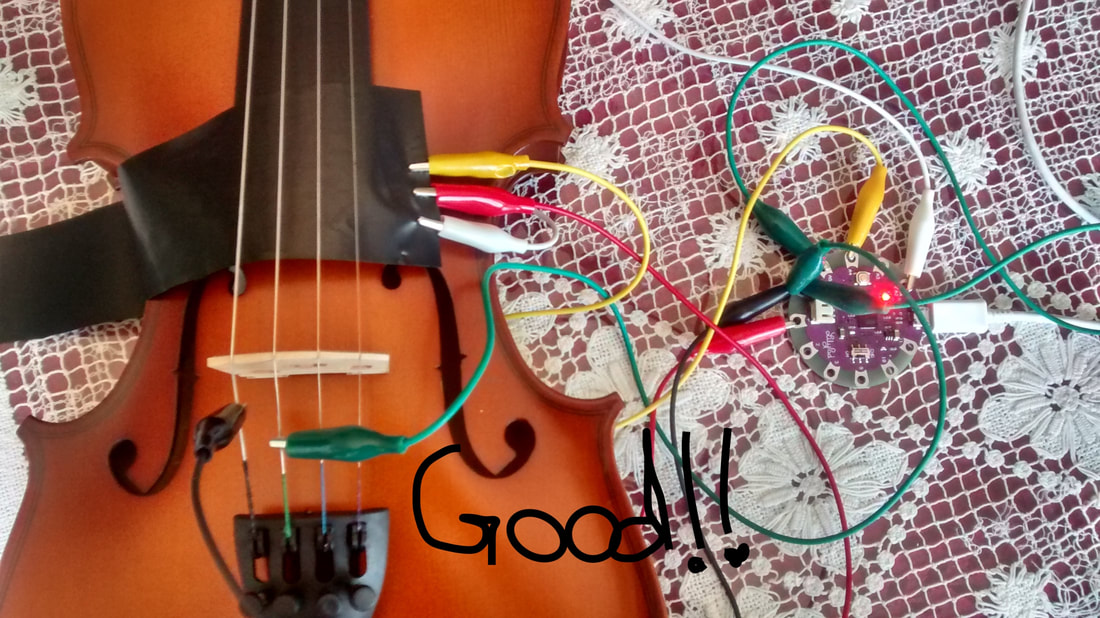
In addition to repairing my original circuitboard for my Lilypad, I also made an entirely new one. It was tricky because the tip of the soldering iron that I was borrowing really needs replacing and the perfboard I used has connections grouped in twos. Whereas my original circuitboard had many more holes per grouping. Also, there weren't enough connections on the top of the perfboard, and lots of extra space on the bottom. So I have extra wires to bring those 5 top connections down to the bottom. I chose this perfboard because it already had holes in it for the screws, and it was fairly small, so there would be less to saw off. While having less space on top made it a challenge for soldering, physically it makes it fit in the box much more easily than the original circuitboard. Before soldering my original circuitboard to the Lilypad, I decided to test the velostat again. Back when it was Christmas Eve, I could only test the changing voltages with a volt meter because at the time I didn't have any other arduino board to test with. I found that I could get data if I connected the strings to ground, and data and voltage to the velostat. However, there was no data with any other combination for hooking it up (weird!). This will inform my future research because I originally thought it might be easier to make the whole fingerboard covered in the resistive material, have it be connected to ground, and the voltage and data come off the strings. But it looks like I'll have to chase after my other idea instead. For this test I used one of my other crap violins. I didn't want the teeth of the alligator clips ruining the strings on my other violins. One of my summer goals is to rebuild my original wired prototype because I live by the philosophy that you can never have too many backups for your backups. And for sentimental value because it was my original. Also, no matter how well the wireless version is working, I will forever have trust issues with anything wireless. Growing up on Vancouver Island does that to a person. Just to recap what was happening during my last term at UBC, the micro USB connection completely ripped off my original Arduino Lilypad. When I found a replacement, made by Geetech, all the sensors were jittery. I thought maybe it had to do with my circuit board (and dropping it too many times....), but when I checked the connections with a volt meter nothing was shorting out. It made me wonder if the Geetech Lilypad was faulty in some way. I had ordered another Lilypad from a different company and when I tested it, again all the sensors were jittery. Every once in a while I was having some issues with the E softpot being unresponsive and I knew it had to do with the solder cracking on the circuit board. Therefore, at the time, having two different Lilypads that were both jittery made me think there really was something wrong with the circuit board after all, and I just couldn't detect it. Of course with it being my last term of my bachelor's, and we had the wireless version working, I decided to shelf this problem until the summer. Now that it is summer, the adventure continues. I forgot that when I ordered the second Lilypad, I had also ordered a third, and it had now arrived. The third one came from the same place as my original. The reason why I had ordered two from two different places is because I was torn between the reliability of having one that would be the exact same as the original, and one from a place that has more reliable shipping times (the original took 3-4 months to arrive). I don't think you can have too many arduinos either. I could always think of a new projects for the extras. The Geetech lilypad (on the left) I used for my touch sensor glove. For that project I didn't care if it was jittery because I think those home made sensors would have been jittery regardless. The second one, (middle) I tested one last time with my circuit board, and like before everything was jittery. I tested the third one (right, the same as the original lilypad) with the circuit board, and everything was perfect. No jitter! Having only one of the three lilypads working, and this one coming from a place that takes WAAAAAY too long to ship, makes me distrustful of all lilypads. At least for the USB version anyways. If I need to make a wired version of any future arduino projects, I think I will look into other boards, and if I make another wearable, maybe try a different type of lilypad, or flora. As I was going through tests and ruling out every possibility, I also tested by connecting the lilypads to a spare softpot that I have, and a breadboard. Just to make sure it was not my circuit board causing the jitter. With this setup, I was getting jitter with both the second and third (good) lilypad. But as mentioned before, when I connected TRAVIS with the circuit board, and the third lilpad, no jitter. The only difference I could see between these two senarios was that for the breadboard, I only have blue 10k ohm resistors. But I had used brown resistors on my circuit board. In theory it should not make a difference whether they are brown or blue as long as they have the same resistance. But in practice, it appears that there is a difference. I have ordered more brown resistors and I will check again with the softpot and breadboard when they arrive. ***Update: the brown resistors arrived and I was right. The setup with the breadboard works perfectly with a brown 10k ohm resistor, but is jittery with the blue one***. Due to my past issues with the E softpot, I once more checked all the connections on the circuit board with a volt meter. Nothing is shorting out. But I did find that if I held the prongs at certain angles along the path for the E softpot's power, there was a good connection along it, and at other angles I was not getting a connection. I went over it again with my soldering iron and added a bit more solder to its weaker areas. So, I think it is good for now. I had bought another perfboard in case if it was easier to just replace it. Afterall, it was my first soldering project, and I think I can do a better job now. If I have time this summer, I might still do it because you can never have too many backups for your backups. 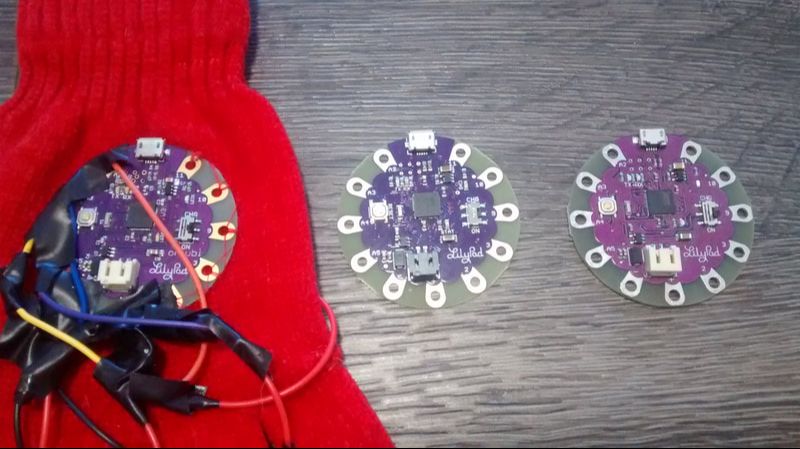
As part of my summer to-do list, I have been revisiting how my softpots data behaves. When I had originally programmed them, the sensors naturally rest at 1023. I wanted them to be sitting at 0 when at rest. The solution was to reverse the values with a [scale] object, as well as to use a [line] object to bring the values back down to 0 smoothly when I released the sensor. However, there was a drawback because whenever I released the softpot, the values would quickly jump to 1023, then smoothly step back down to rest at 0. At the time, I could not see a way around this and the result was a kind of accent. Therefore I used it to my advantage in my pieces by purposefully making these "snap" accents in "Colour of the Birds' Cries" and in "Fire and Ice".
Now that I looked more closely at the [line] object for "Losing Touch", I felt like there really was a way to prevent the data from "snapping" when I released my softpots. I explain my solution in this video. Although, I don't know if I'll ever use the solution because the "snap" had become an integral part of my previous pieces, and I do not know if I want to continue using the "snap" for my future pieces, or not. At least I figured it out so the option is there.
"Losing Touch" was a collaborative work by Gemma and myself. Due to camera placement, the natural violin is kind of overpowering the recorded samples in this video. When viewed live, the sounds are panning in an 8 channel system and sound more evenly mixed.
Program Note: Distance takes a toll on relationships. This piece focus on the journey of two sisters and how their difference contrasts, yet, accompanies one another. It is an exploration of their diminishing relationship, which is represented through movement and negative space between the characters. RUBS (Responsive User Bodysuit): originally developed by Kiran Bhumber and Bob Pritchard WiRED: Jin Han, Esther Mutinda, Carol Fu, and Lily Shao. Dancer: Gemma Tom. Programming/Music: me.
No bows were harmed in the making of this video. I used my spare bow.
For the beginning sections Gemma's character was scrubbing samples of my voice. But for the last section of this piece, she was triggering them. Triggering sounds much more clear than scrubbing, so it represented how my character gave something up to hers. However, when I heard it performed by her in rehearsal, the triggered samples sounded too repetitive and needed a little something to spice it up. So, I added smooth, randomized pitch shifting to her samples. I achieved this through randomizing the [line] object. A demo video of how I did this is bellow. In the demo, I had all of the samples continuously playing on loop.
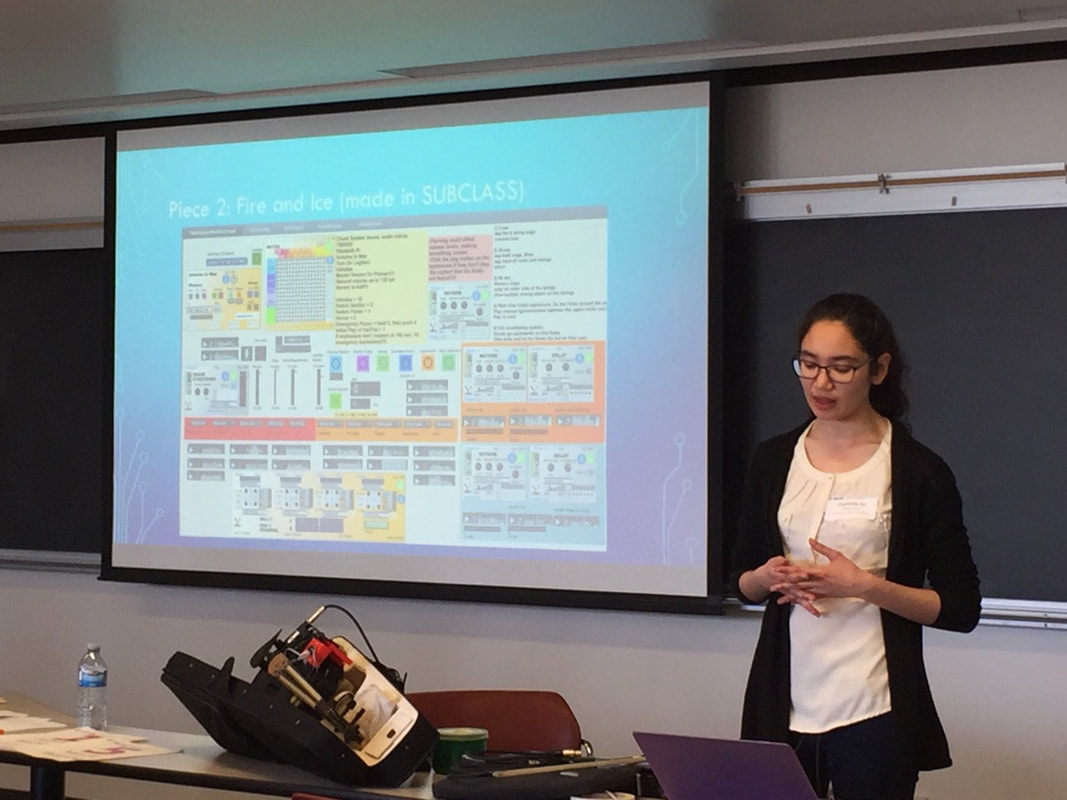
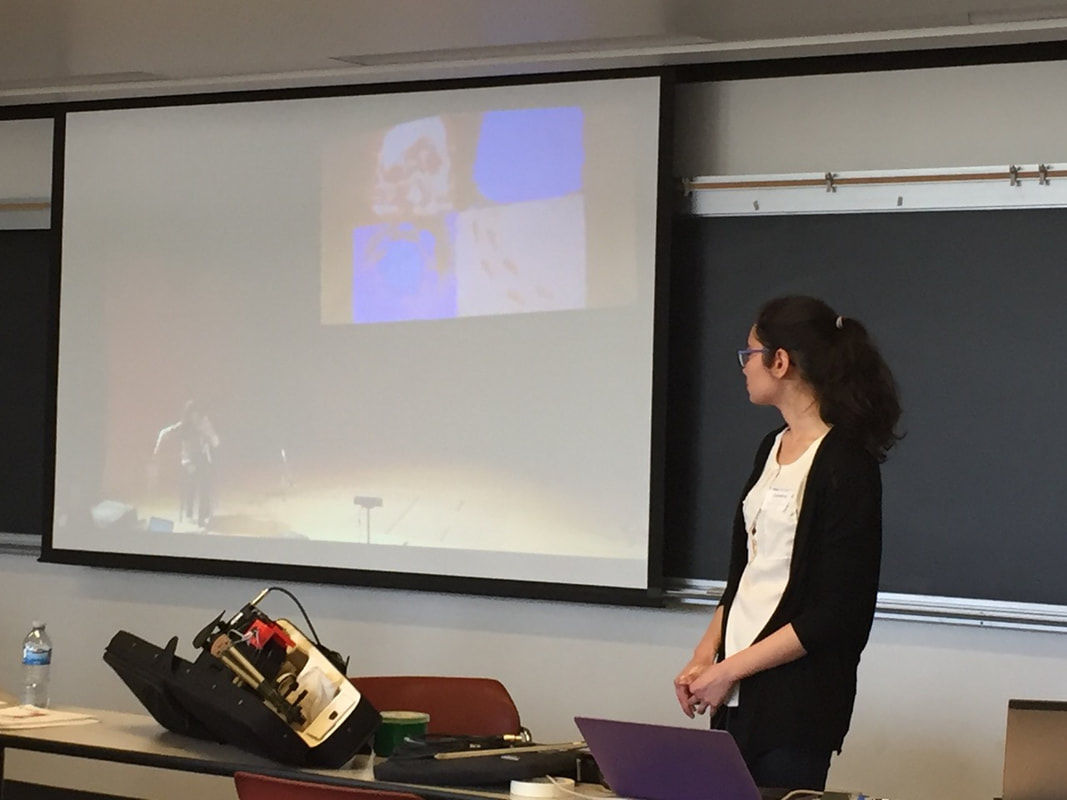
Fire and Ice was originally a collaborative piece in the UBC SUBCLASS. My partners were Ollie Rosario (programming) and Elizabeth Feng (visuals). I re-programmed it so that I could perform it solo. However, I could not include the visuals because they are not on my computer. In the original performance, the visual Max patch was on Elizabeth's computer and I was sending data to control the colours with TRAVIS via networking.
Program Note: Fire and Ice are extreme opposites, however, they are equally capable of destruction. Likewise, their sonic material share similar qualities. Our piece explores the interaction between these two extremes. The violin is used to represent the crackling of ice, and flute samples mimic the combusting flames.
I'll post the collaborative version with visuals from Bang! Festival once that video is uploaded.
My wireless Xvive U2 has arrived! I can now play and dance circles around our dancers! I have noticed that with the way the transmitter folds over, if it is pointing towards where the Arduino sits, then it will rattle when I play. But if it is turned in any other direction it's fine. I actually tried unplugging both the transmitter and receiver and shook them in my hands. There definitely is something rattling around inside both of them, but I think they're ok. I also bought a mini travel router so there would be a stronger wifi connection for my Arduino. I just pray that there are no wireless issues between now and Bang! Festival. 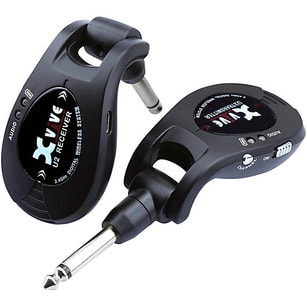 I finished notating "Colour of the Birds' Cries". I also discovered you can add emojis in Noteability Pro! It's so awesome!
I also ripped through every possible combination and ordering for setting up all my equipment and connecting the Arduino to Max. I could not find the reason for the connection issues the life of me. Then randomly during rehearsal the arduino did not connect at all. But the light was blinking saying that it was connected. It completely baffled me, so I opened the original Arduino to Max patch (not the bpatcher). I discovered that an external object [MRaverage] was randomly not loading properly, so it blocked the data! I was 100% within my file search path, so there is no reason why Max would have problems finding it. I have copied the object file and pasted it in more folders, as well as added the individual subfolders to the file preferences, so that my patches would for sure find at least one of the copies. I normally use the Arduino to Max patch as a bpatcher, and the majority of the times when the connection failed it was in a performance/presentation situation, so I did not have the time to open up the original patch and look at the code. I also always assumed it was some sort of wifi connection error, and I have never seen my patches have issues with finding [MRaverage] before. It's also an oddity that this happened on two separate computers with two different file search paths; one of which already had [MRaverage] downloaded and working long before I started borrowing it. Also, whether it would load or not was completely random and inconsistent. And every other time I had opened the original patch to work on it, [MRaverage] had loaded properly, so it never occurred to me that something inside the patch could have been the problem. Especially since I've lived with extremely horrendous wifi for my entire childhood, so I always automatically think of wireless connection problems first. It's a fluke that takes a 1 in a million chance to catch. But at least I found it now! Update: while [MRaverage] was a definite issue, I now have an inkling of doubt that it was not the only reason. See above post. I presented TRAVIS in MURC 2018 today. It went really well and I won the Interdisciplinary Award! I also got to see many other oral presentations and posters from various fields. I am so grateful that UBC has such a wealth of diverse knowledge to share. MURC:https://students.ubc.ca/career/career-events/multidisciplinary-undergraduate-research-conference ICICS News: http://icics.ubc.ca/news-events/ I had noticed something about the arduino wifi connection while setting up. However, I later proved it to be false. In order to not make this blog post long, I have pasted my summary of my troubleshooting here.
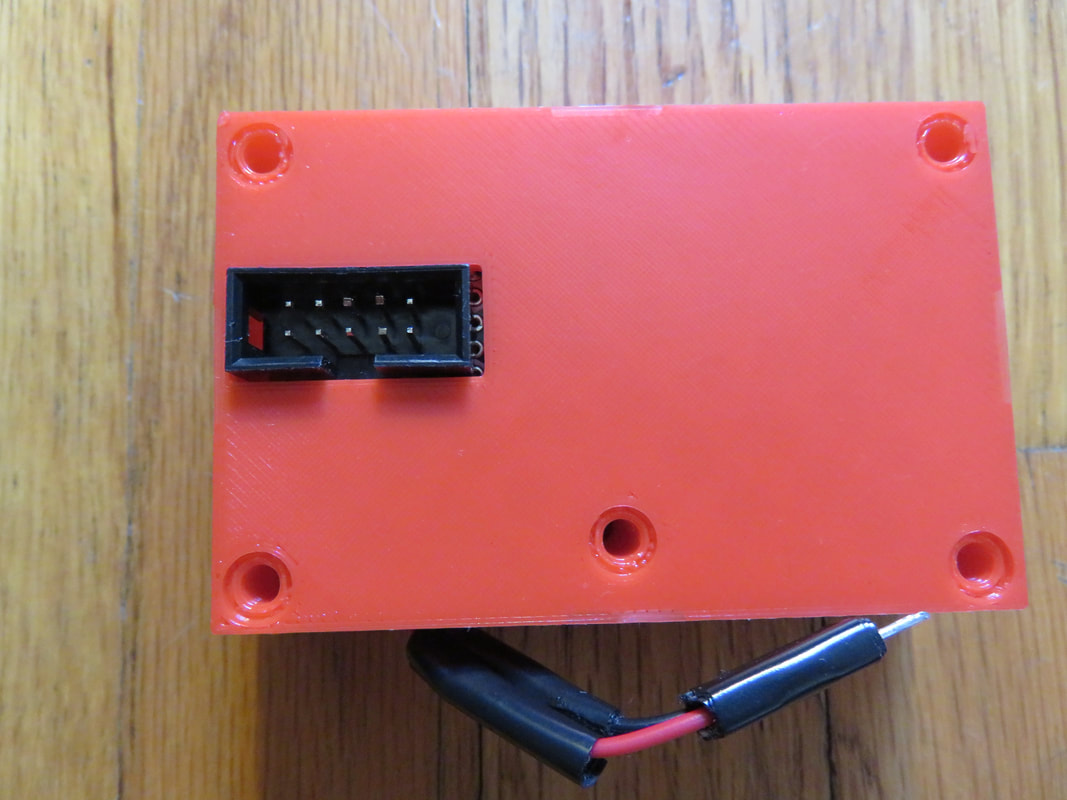
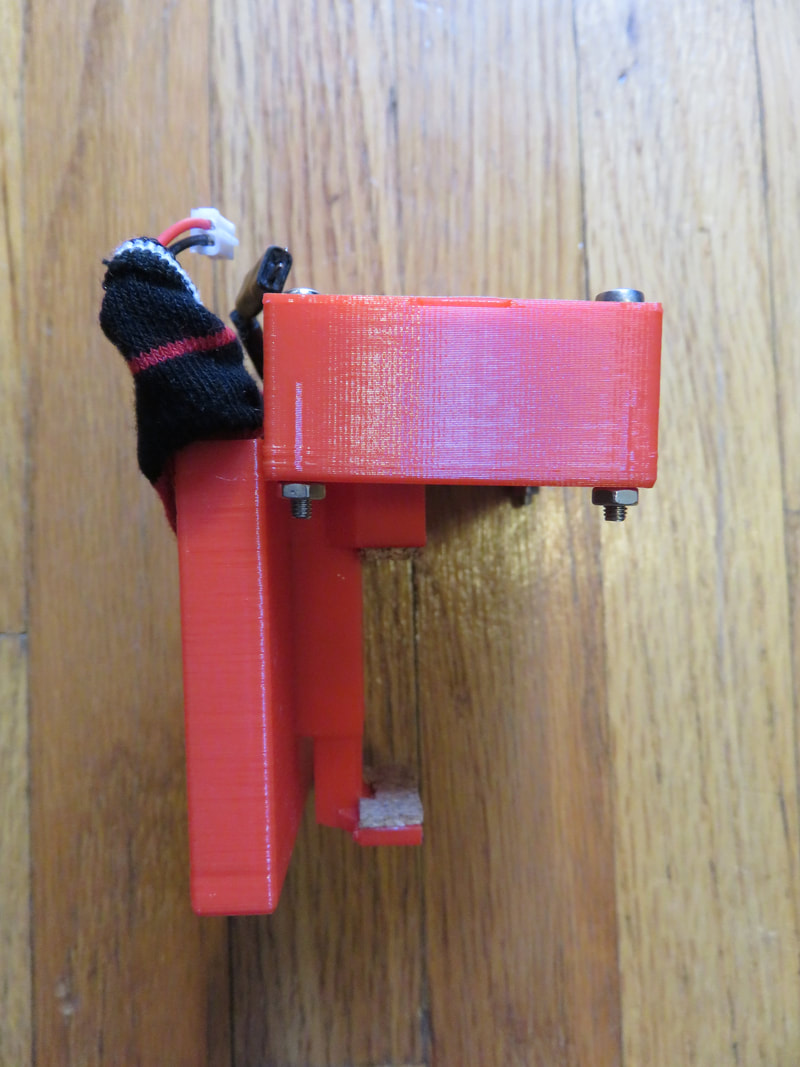
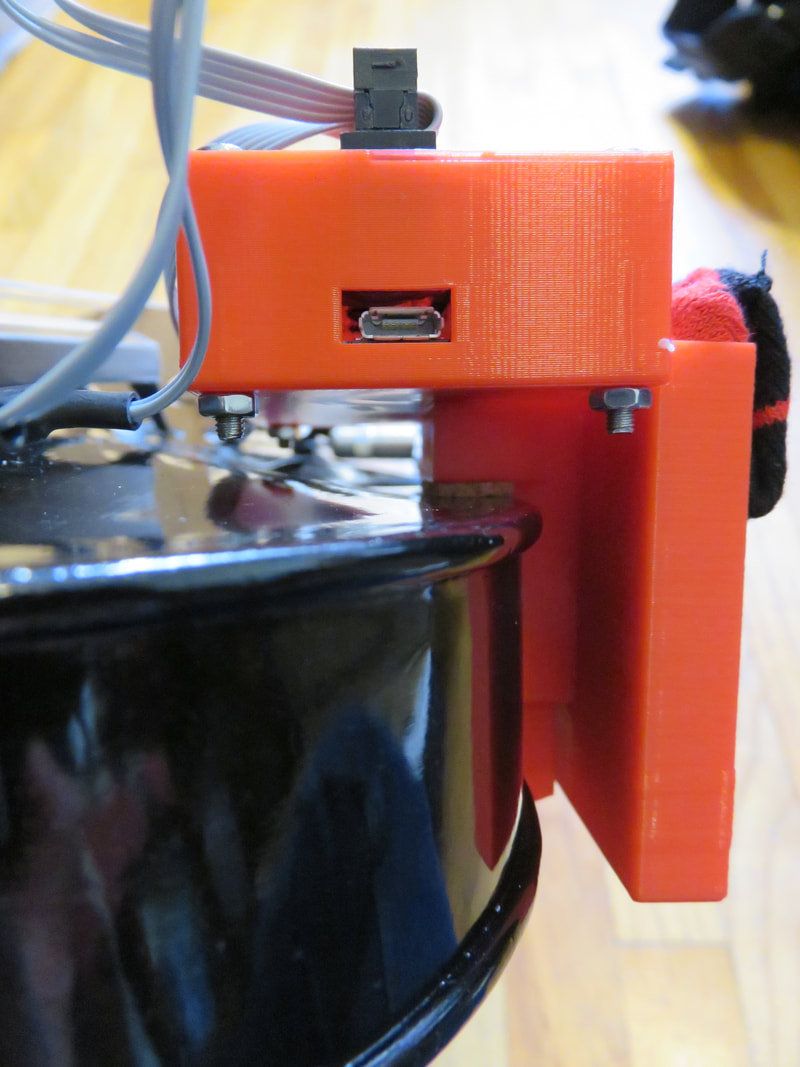
The top of the old box was warping a bit and caused the Arduino to rattle and buzz with playing. I asked Jin to 3D print me a new box to keep the Arduino more secure. The top is thicker and it is bolted down in all four corners, plus the one in the middle. I also stuffed the battery into a sock and sewed the top. Buzzing is now down to a minimum while playing on the G string. I doubt it would be noticeable to the audience in a performance setting. I think there is another cause that is no longer related to the box.
Today Pinocchio - er, I mean TRAVIS - lost his strings and became a real boy! The MKR1000 is all soldered and ready to use to send the data wirelessly. It uses a dedicated IP address on my phone's hotspot. I glued cork onto either end of the clamp to provide a soft cushion onto the violin. But that created extra length, so I need a new, longer clamp to be 3-D printed. I also needed some modifications that are different from the RUBS project, such as I use the MKR1000 shield and an IDC connector.
Update: the new clamp was printed a couple days later and everything is ready to go! The battery is a lipo (2500 mah) uses a blue 1K Ohm resistor. On the MKR the left side of the battery is positive and the right side is negative. However, on the JST connector that plugs directly into the arduino, the wires were already on. The colours on that piece are reversed. That is why the correct coloured wires are soldered onto them. So when the MKR is sitting in its box, the correct colours are seen and no one gets confused. It can be a bit confusing when you try to look at it outside of the case though, which is why I'm taking note of it. 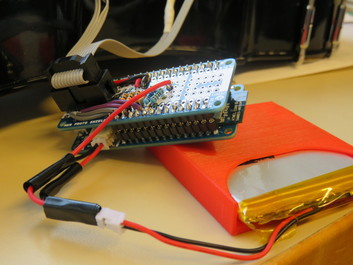
|
Welcome to the TRAVIS blog!If you would like to see a summary of my work, please click here. Archives
May 2022
Categories

|




 RSS Feed
